Write music
while it’s fresh.
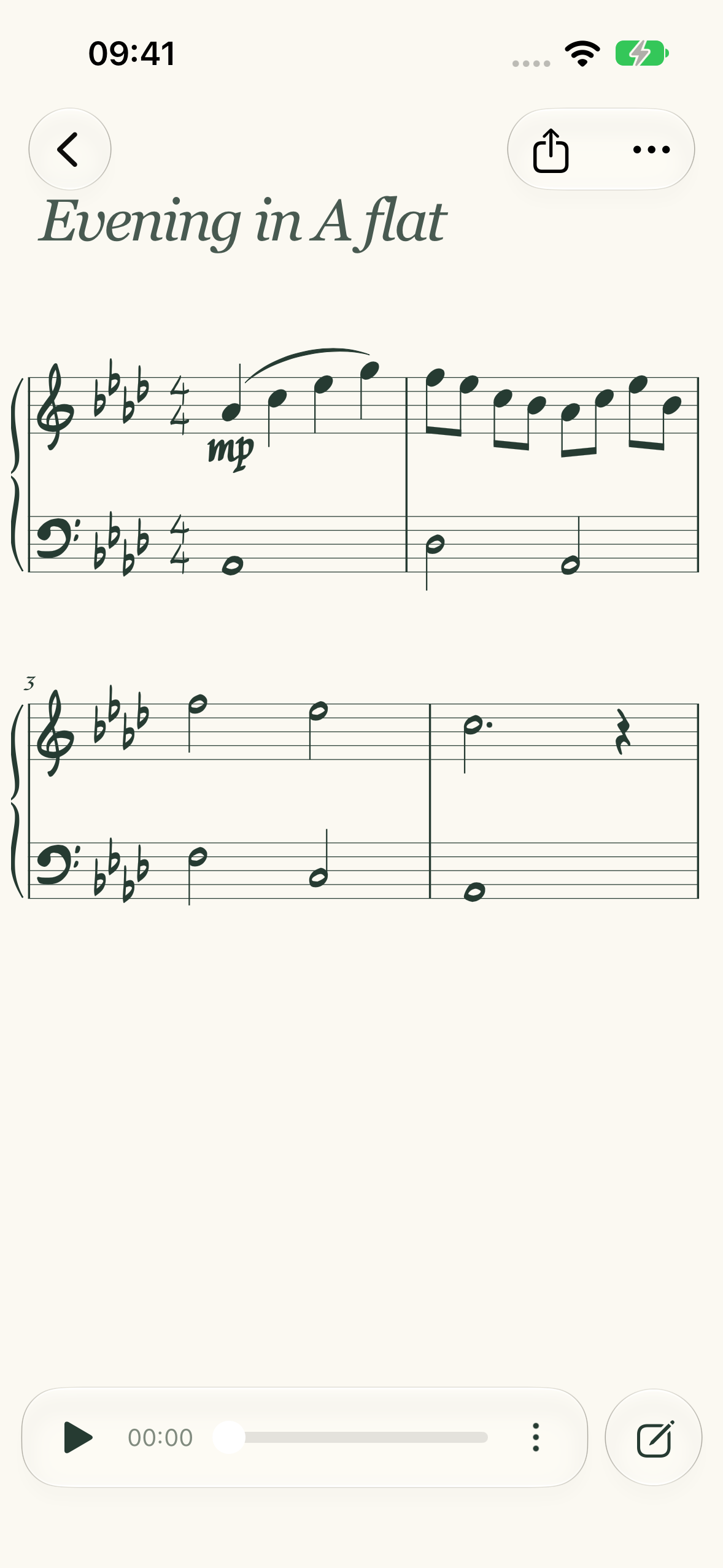
That melody in your head deserves more than a voice memo. Type it, hear it, and make it yours.
and iPad.
01 / Put it on the page
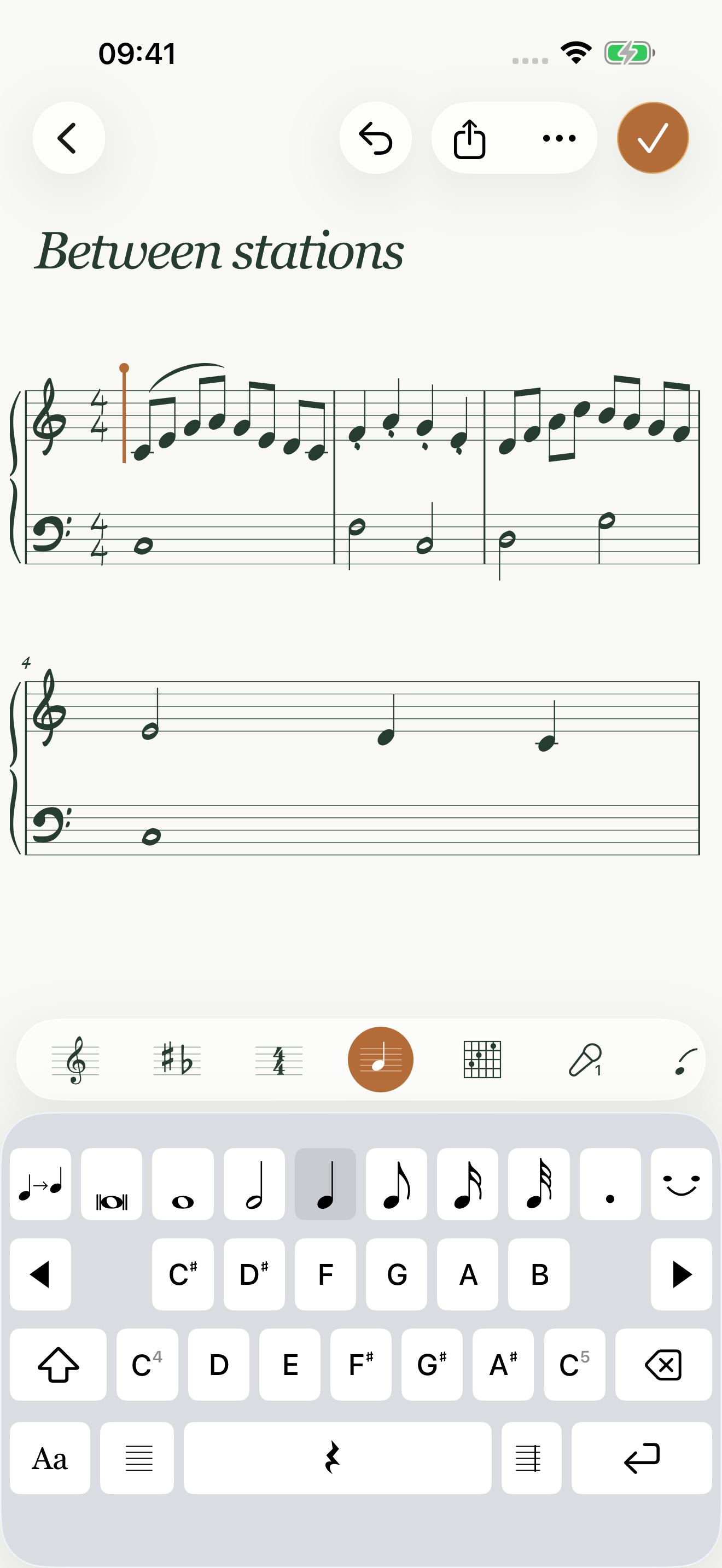
Less moving things around.
More making music.
Follow the phrase.
Keep pitches close and durations at your fingertips. Key-aware labels help you find your way, even in A♭.
02 / Make it yours
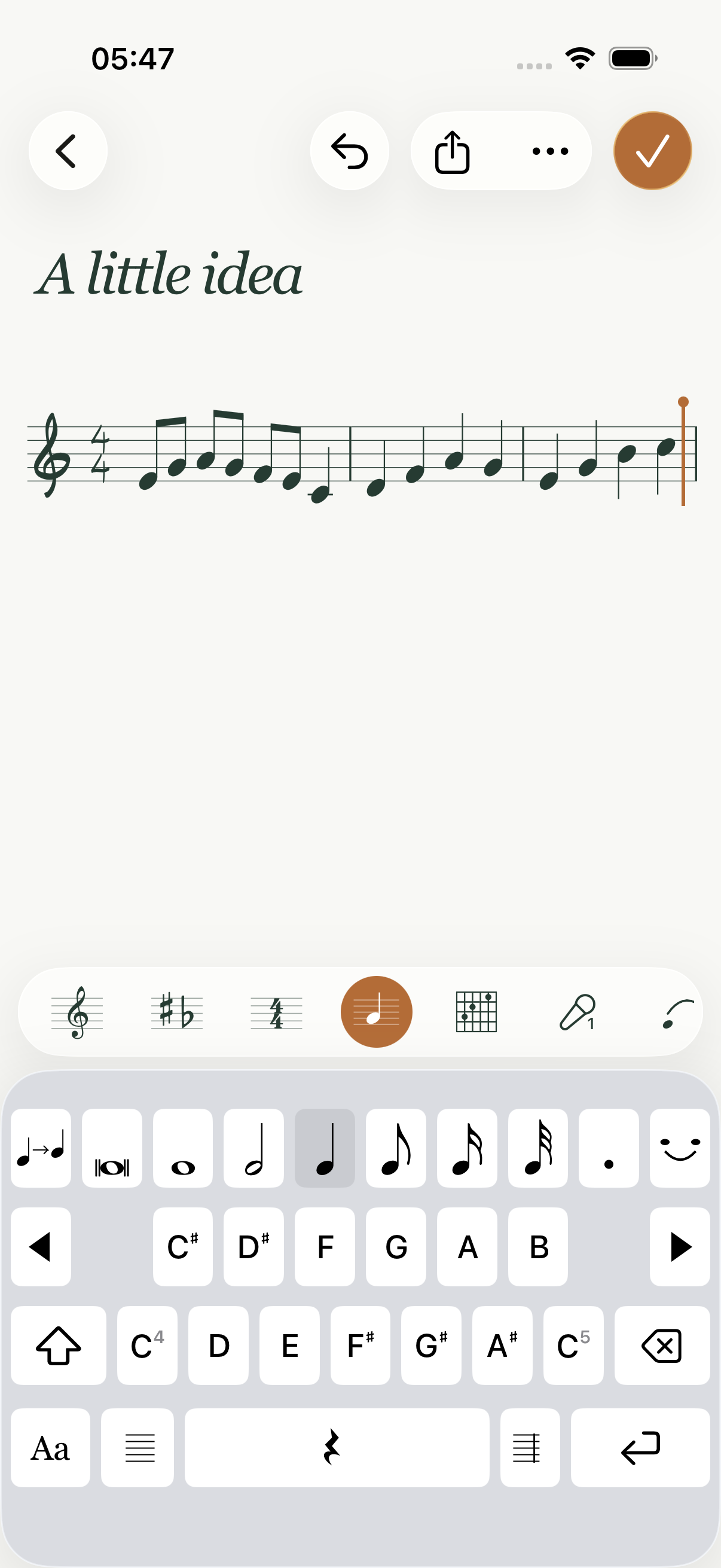
A sketch today.
Something more tomorrow.
Change a pitch. Reshape a rhythm. Add a second hand, a slur, a little expression. Hear your idea back as you refine it.
- Try an edit. Undo in a tap.
- Hear it straight, or give it swing.
- Share a PDF or carry on in MusicXML.
03 / Find it by listening
Follow your ear
with Transcribe.
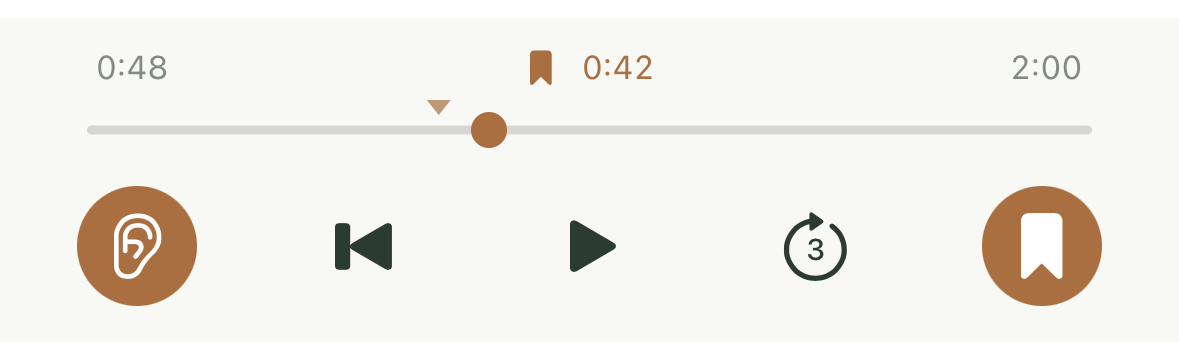
A phrase catches you. Listen again, find the notes, and write them down—all in the same place.
Set one checkpoint in your reference recording. Jump back when you need another listen, then carry on at your own pace.
Apple Music or YouTube reference playback.Availability depends on your source and subscription.
a phrase, by ear.
A notebook that feels at home
In your pocket.
Or spread out a little.
Catch a melody on iPhone. Give an idea room on iPad. Connect a physical keyboard when you want to type with both hands.
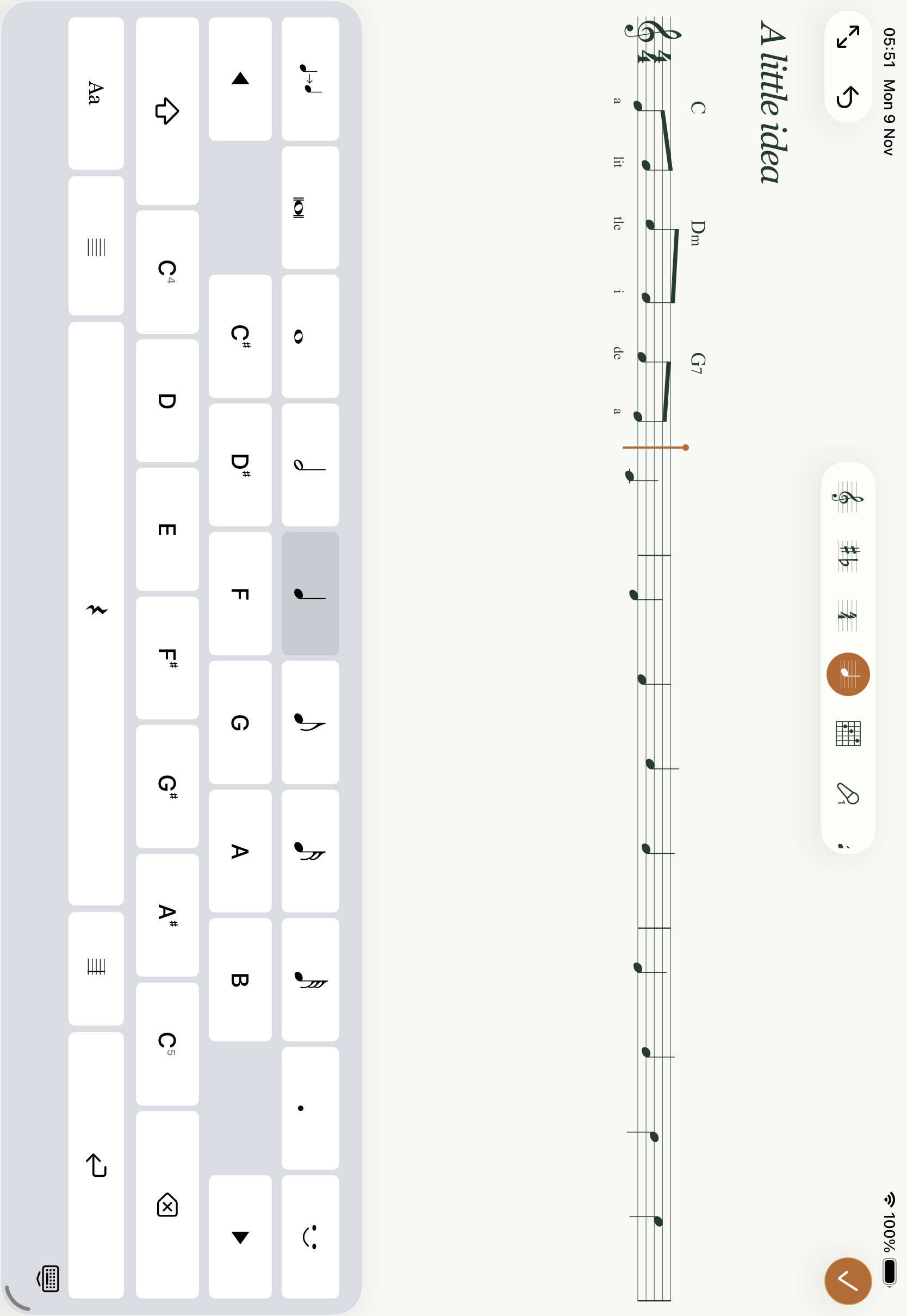
Physical keyboard
Type pitches and rhythms, select a passage, and move between notes, chords and lyrics with keyboard shortcuts.
Keep the music
Save editable Typestaff sheets. Export PDF, MusicXML or MEI when you’re ready.
Stay with the idea
A focused set of notation tools, without a desktop-sized setup.
A few things you might wonder
A small app.
Good questions.
Is Typestaff a full notation editor?+
It’s a lightweight notebook for capturing and refining musical ideas. It includes notes, chords, lyrics, piano staves and expression, while keeping the writing experience focused.
Does Transcribe work out the notes for me?+
You do the listening and note finding. Transcribe brings reference playback, short skips and a saved checkpoint beside the notation keyboard to support ear training.
Does it work without internet?+
Writing, editing, engraving and score playback work offline. Apple Music and YouTube reference playback depend on the service and available connection.
Can I use my music somewhere else?+
Export a PDF to share or print, MusicXML or MEI for compatible notation software, or an editable .tstaff file to reopen in Typestaff.

A little idea can go a long way.
Keep yours.
Coming to iPhone and iPad.
Say hello ↗